![SONGTRUST_ICON.png]](https://help.songtrust.com/hs-fs/hubfs/SONGTRUST_ICON.png?width=40&height=40&name=SONGTRUST_ICON.png)
Please note clients can edit songs if they are in the Draft or Monitoring status by navigating to the "Songs" page.
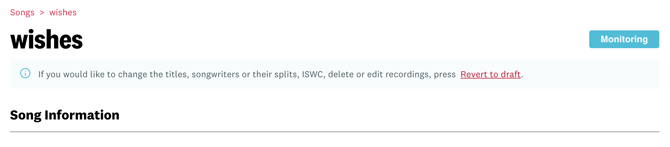
If a song has:
-
Previously been submitted
-
Currently in the Monitoring status
You can edit the song by clicking "Revert to Draft"
If a song has:
- Not been submitted yet
- Currently in the Draft status
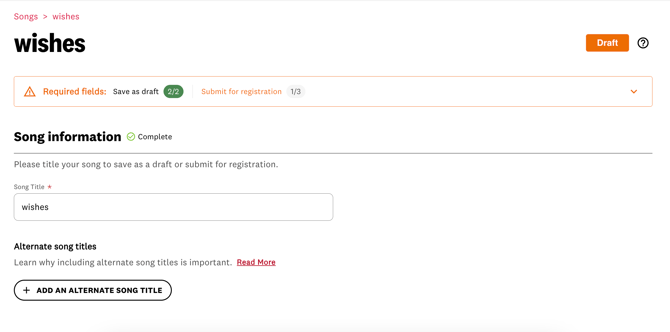
Simply click on the title of the song to continue editing the draft.

Edits can no longer be made once a song is out of the Draft or Monitoring status. This is due to the fact that the song has already been sent to societies for registration.
Also make sure to check out our blog post Seven Common Mistakes when Registering a Song to avoid the need for edits.
Thanks for reading. Please rate the article below.
Want to keep up with Songtrust for frequent music and publishing updates?
Follow us @songtrust
Subscribe to our Newsletter
Visit the Songtrust Blog